common web development mistakes cost businesses more than a few “bugs.” They quietly slow pages, confuse users, weaken trust, and reduce search visibility—often without anyone noticing until leads drop.
The good news: most issues come from repeatable patterns, not “bad luck” or mysterious tech.
This guide shows the highest-impact mistakes businesses make when building or rebuilding a website, plus practical fixes you can apply immediately—so your site stays fast, secure, and easy to maintain as you grow.
Contact Lucidly on WhatsApp for a focused website review—so you can spot performance, SEO, and security gaps before development issues and technical pitfalls cost you leads and sales.
Why common web development mistakes cost more than you think
Before we list mistakes, it helps to understand why they hurt so much. A business website is a system: UX, performance, SEO, security, and analytics all depend on each other.
When one part is neglected, it often creates problems elsewhere—like slow pages that lower conversions, or messy site structure that weakens internal linking and indexing.
What makes these mistakes expensive is that they usually create long-term drag: more support tickets, more marketing spend per lead, more “quick fixes,” and more risk during launches and migrations.
learn more about professional web development standards.
.jpg)
Mistake #1: Starting without clear goals, scope, and ownership
This is where most projects fail—before any design or code happens. If your team doesn’t agree on the primary goal (leads, bookings, sales, sign-ups), the site becomes a collection of opinions instead of a conversion system.
To avoid this, begin with a short “definition of done.” That document should include business goals, target audience, key pages, priority actions, and who approves what.
It also prevents scope creep (the slow expansion of requirements that breaks timelines and quality).
Here’s a practical baseline to set direction without over-planning:
Define one primary conversion goal and 2–3 secondary goals.
List top pages that must exist at launch (and which can wait).
Assign one owner for content, one for technical decisions, and one final approver.
When teams skip this step, problems become inevitable because nobody is responsible for the full picture.
poor planning before development? learn more How to Plan a Website: From Business Goals to Wireframes and Site Architecture.
Mistake #2: Weak site structure and navigation
A website can look modern and still be hard to use. When visitors can’t find the right page quickly, they leave.
When search engines can’t understand relationships between pages, rankings suffer. Structure is strategy in disguise.
A good structure starts with how people search and browse:
What questions do they ask before buying?
Which service categories matter most?
What proof pages build trust (case studies, reviews, certifications)?
To fix weak structure, aim for clarity:
Use simple, consistent URL patterns.
Build navigation around real customer intent, not internal departments.
Create internal links that guide visitors to the next logical step (learn → compare → contact).
choosing the wrong platform is one of the common web development mistakes that hurts both UX and SEO because it reduces discovery, time-on-site, and page authority flow.
Ready to Build a High-Performance Website?
Turn strategy into results with Lucidly’s custom web development solutions — built for speed, SEO, and business growth.
👉 Book Your Web Development Consultation
Mistake #3: Technical SEO oversights that block visibility
Many businesses “do SEO later,” but technical SEO decisions are baked into development. Small misconfigurations can prevent pages from appearing in search—or create duplicates that dilute your signals.
Before launch, you want to confirm basics:
Crawlability: can search bots access key pages?
Indexation: are pages allowed to index (no accidental noindex)?
Canonicals: do they point to the right version of each page?
Sitemaps: is an XML sitemap generated and updated?
Internal links: are there broken links or orphan pages?
A practical way to avoid technical issues is to implement an “indexing checklist” as a standard launch task.
Teams that skip this often discover problems only after traffic drops—leading to SEO losses that feel “mysterious” but are entirely preventable.
Mistake #4: Performance neglect that creates slow websites
Speed isn’t a nice-to-have. It affects bounce rates, user trust, and mobile usability. Many sites feel slow because of avoidable choices: oversized images, heavy scripts, and no caching strategy.
Performance work becomes manageable when you focus on the biggest offenders first:
Uncompressed images and banners
Too many third-party scripts (chat widgets, trackers, popups)
Render-blocking CSS/JS
No caching or CDN
Excessive page builder output (especially on WordPress)
To fix website performance without rewriting everything, apply a simple plan:
Compress and resize images; use modern formats where possible.
Reduce and delay non-critical scripts.
Add caching (server + browser) and consider a CDN.
Measure again, then iterate.
These issues can be avoided by setting performance budgets early (for example, maximum page weight or script limits) and enforcing them consistently during QA.
Mistake #5: Mobile-first gaps that break conversions
A site can “work on mobile” and still fail on mobile. The difference is whether it’s easy to act: tap targets, readable text, fast forms, and predictable layout.
Common symptoms:
Buttons too small or too close
Sticky elements covering content
Slow-loading sliders or heavy hero sections
Forms that are painful to complete on a phone
To fix mobile gaps, prioritize task completion:
Make CTAs obvious and thumb-friendly.
Simplify forms (fewer fields, clear labels, autofill support).
Avoid layout shifts and popups that block reading.
Test on real devices, not only desktop emulators.
For many industries, mobile traffic is the majority. If mobile UX is weak, the result shows up as “low-quality leads” or traffic that simply doesn’t convert.
Mistake #6: Treating HTTPS as “security”
HTTPS is essential, but it’s not a security strategy. Businesses often assume SSL equals safety, then overlook the risks that actually cause breaches: weak authentication, outdated plugins, exposed admin panels, and unsafe integrations.
Security becomes practical when you focus on baseline controls:
Keep your CMS, plugins, and dependencies updated.
Use strong passwords and 2FA for admin accounts.
Limit access (least privilege) and remove unused accounts.
Validate inputs (forms, uploads) and rate-limit abuse.
Maintain reliable backups and test restores.
When website security is not planned, the risk becomes real—downtime, defacement, data loss, and damaged trust.
Mistake #7: Ignoring accessibility and losing users quietly
Accessibility is often seen as “extra,” but it directly affects usability for everyone. A site with poor contrast, unlabeled forms, or keyboard traps will lose visitors who could have converted.
The fix doesn’t need to be heavy:
Add meaningful alt text for key images.
Ensure good color contrast and readable font sizes.
Label form fields clearly (not only placeholders).
Make navigation usable with a keyboard.
Provide clear focus states and error messages.
This is an issue that also affects SEO indirectly: better UX tends to improve engagement, which supports stronger performance marketing outcomes.
Mistake #8: Analytics and tracking set up wrong
Bad tracking creates bad decisions. If your analytics doesn’t reflect reality—forms not tracked, calls not counted, WhatsApp clicks ignored—you’ll optimize the wrong pages and waste budget.
To avoid this, start with a measurement plan:
Define what counts as a conversion (lead form, booking, purchase, call).
Track key events consistently (naming and parameters).
Verify tracking after launch and after any major changes.
Keep notes of tags, pixels, and integrations (so updates don’t break them).
When tracking is incorrect, common web development mistakes turn into marketing confusion: “Traffic is up, but leads are down,” with no clear reason.
Mistake #9: No staging, no QA, and no rollback plan
Many problems happen during change, not during normal operation. If your team edits live pages, skips QA, and has no rollback plan, every update becomes risky.
A small process upgrade prevents most launch issues:
Use a staging environment for major updates.
Maintain a pre-launch QA checklist.
Confirm forms, tracking, redirects, and mobile behavior.
Keep a rollback option (backup + version control + deployment plan).
Teams that avoid basic QA often ship small failures that become expensive emergencies—classic common web development mistakes that feel “unexpected” but are completely preventable.
Mistake #10: Site migrations that lose SEO and break links
Redesigns and rebuilds are high-risk. The biggest danger isn’t the new design—it’s losing URL equity through broken links, missing redirects, and content removals without planning.
To reduce migration risk:
Map every important old URL to a relevant new URL (redirect mapping).
Avoid redirect chains and loops.
Keep canonical tags correct from day one.
Update internal links and regenerate your sitemap.
Validate key pages after launch: speed, indexing, and conversions.
If you treat migration like a design project instead of a technical project, common web development mistakes can erase years of search visibility.
Quick “avoid these” checklist you can copy-paste
Use this as a lightweight standard for any build, rebuild, or ongoing work. It keeps teams aligned and prevents avoidable mistakes.
Before launch or major changes, confirm:
Goals, KPIs, and page priorities are documented.
Navigation and URL structure match user intent.
Indexing basics: no accidental noindex, clean canonicals, sitemap ready.
Images are optimized and scripts minimized.
Mobile forms and CTAs are easy to use.
HTTPS is enforced and mixed content is eliminated.
Updates, access controls, and backups are in place.
Analytics events and conversions are tested end-to-end.
Staging + QA exists, and rollback is possible.
Old URLs are redirected properly (if migrating).
This checklist alone prevents most common web development mistakes without slowing your team down.
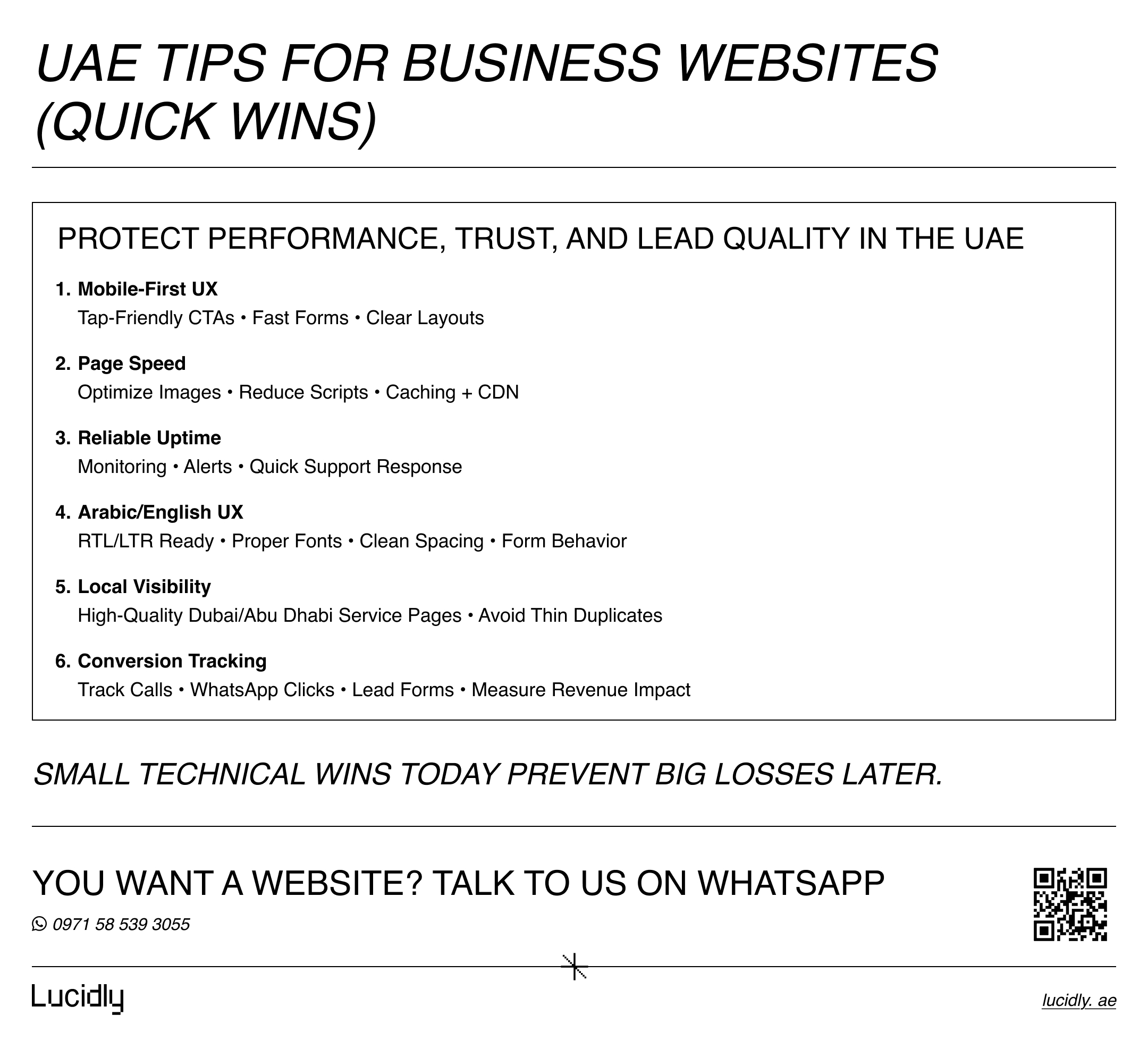
UAE Tips for Business Websites (Quick Wins)
In the UAE, focus on these priorities to protect performance, trust, and lead quality:
Prioritize mobile-first UX (tap-friendly CTAs, fast forms, readable layouts).
Improve page speed (optimize images, reduce scripts, use caching/CDN).
Maintain reliable uptime with monitoring and quick support.
If your audience is bilingual, design Arabic/English UX properly (RTL/LTR, fonts, spacing, form fields).
Build local visibility with high-quality location/service pages (Dubai/Abu Dhabi) without thin duplicates.
Track what matters: calls, WhatsApp clicks, and lead forms so you can measure real revenue impact.
FAQs
What are the most common web development mistakes businesses make?
Unclear goals, weak structure, technical SEO gaps, slow performance, poor mobile UX, weak security practices, broken analytics, and risky launches without QA.
Which mistakes hurt SEO the most?
Indexing issues (noindex, bad canonicals), broken internal linking, missing redirects during migrations, and slow performance that weakens user engagement signals.
How do these mistakes reduce conversions?
They increase friction: slow pages, confusing navigation, poor mobile forms, low trust signals, and unclear CTAs. Visitors leave before they contact you or buy.
What should I test before launching a new website?
Forms and tracking, mobile UX, page speed, redirects (if migrating), HTTPS enforcement, mixed content, and critical pages across browsers/devices.
Most website problems aren’t unique—they’re patterns. Fixing them is about process and priorities: clear goals, clean structure, solid technical foundations, and disciplined QA.
If you address common web development mistakes early, you’ll launch with fewer surprises, spend less on firefighting, and get more value from every marketing channel.
Contact us — or message Lucidly on WhatsApp for a focused website review—so you can identify performance, SEO, and security gaps before common web development mistakes impact leads and sales.
References
Google Search Central — Technical SEO fundamentals, indexing, and site architecture
W3C / WAI — WCAG 2.2 Accessibility Guidelines (Quick Reference)